See what Gartner® is saying about the market outlook for workspace cybersecurity platforms. Get the report

Coro Cloud Backup, Powered by Keepit

Independent SaaS Backup for Lean IT Teams

Your team probably assumes Microsoft 365 and Google Workspace are already backing up your data. They're not.
Microsoft and Google replicate your data to keep their services running, not to protect it from you. Replication copies a deleted mailbox, a ransomware-encrypted file, or a failed migration just as faithfully as anything else, and the recycle bin buys you a few weeks at most. Most teams find out how thin that safety net is in the middle of an incident, when it's too late to do anything but wait.
Coro Cloud Backup gives lean IT teams an independent, immutable backup of their SaaS data, so a deletion, an attack, or an outage never becomes a permanent loss.
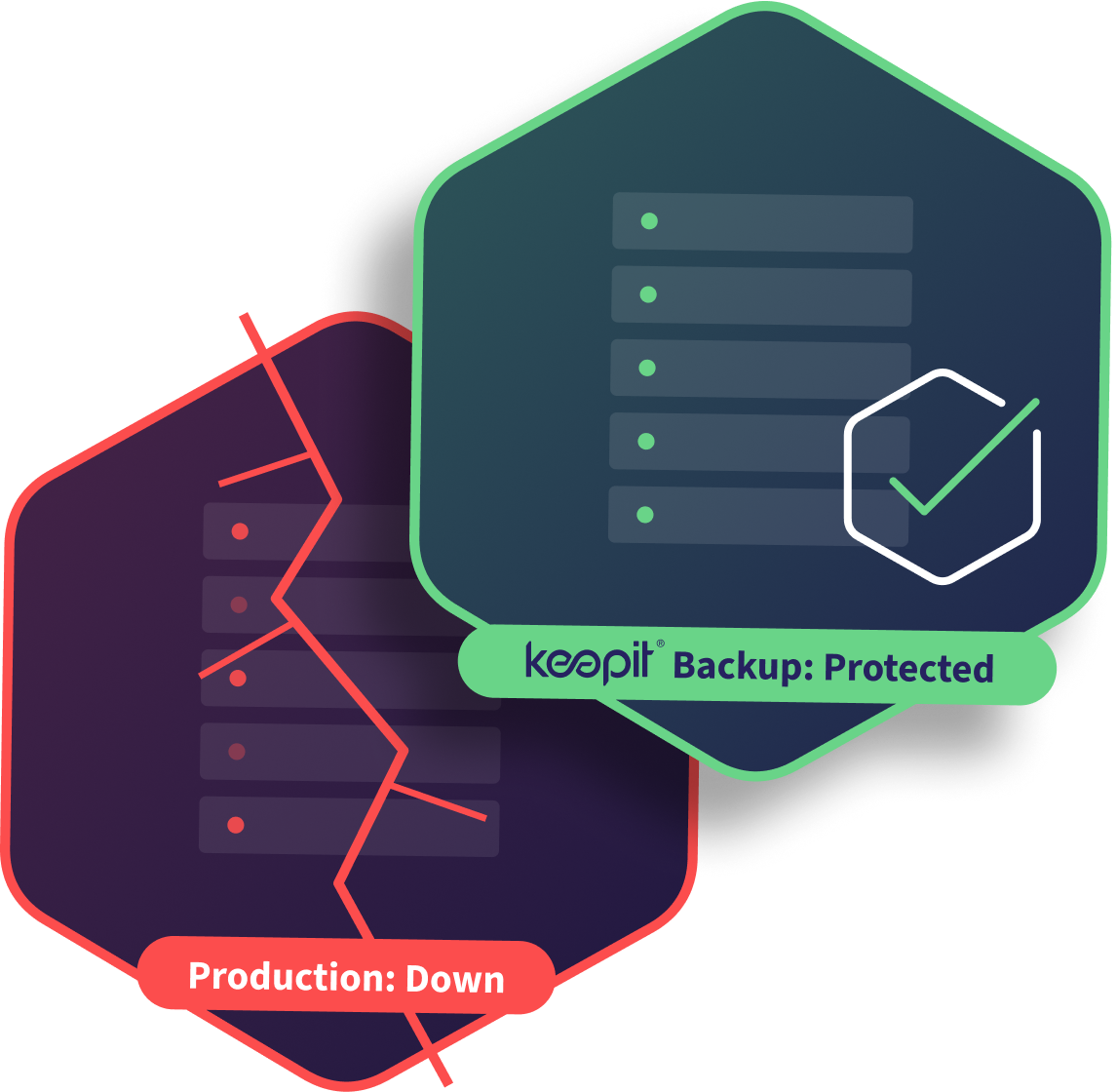
A cracked red server labelled "Production: Down" behind a green one labelled "Keepit Backup: Protected" with a check mark.
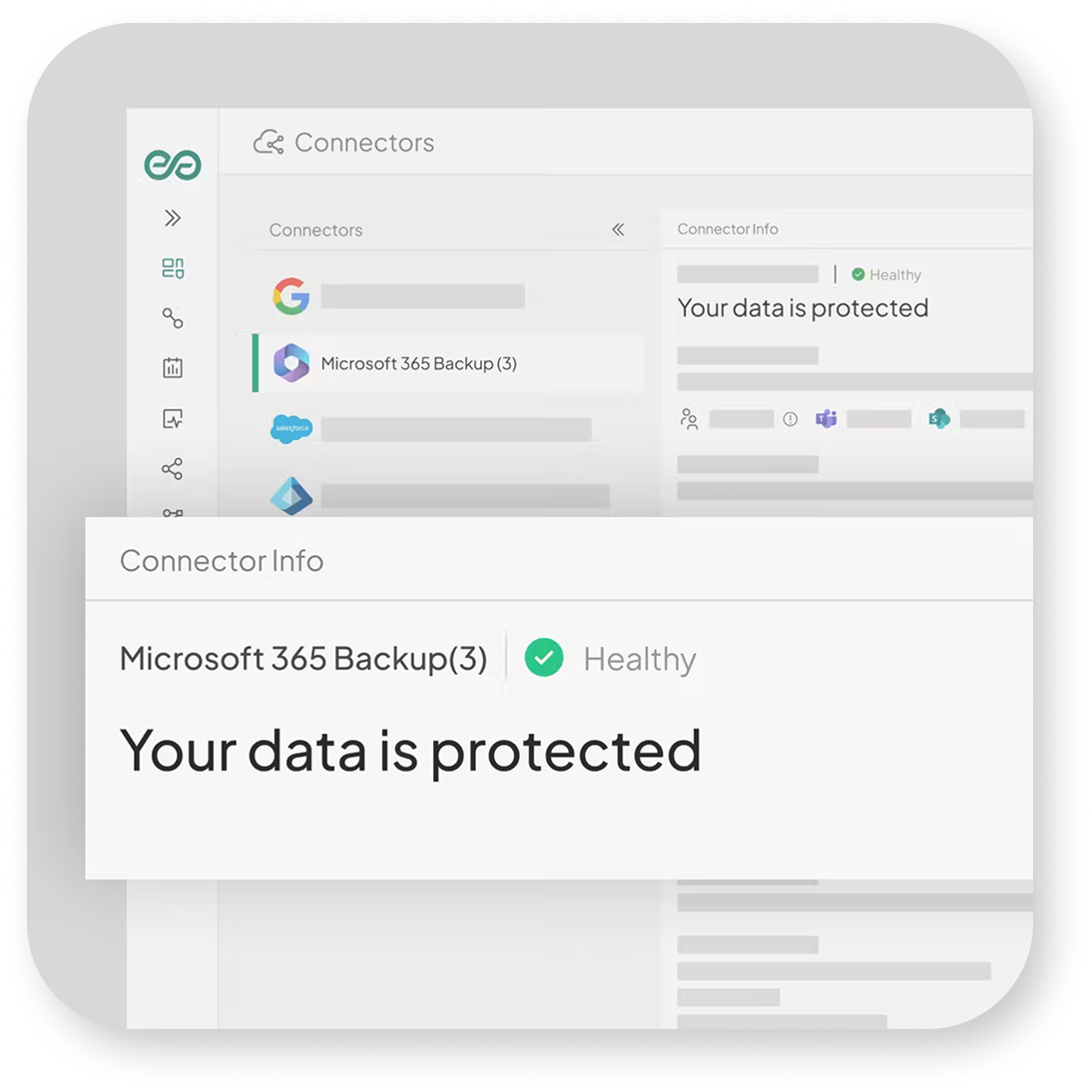
Backup app connector panel showing Microsoft 365 Backup as Healthy, with the message "Your data is protected".

Backup that doesn't share your point of failure

If your backup lives inside the same cloud as your production data, a problem with that cloud is a problem for your backup too. Coro Cloud Backup, powered by Keepit, stores your data in Keepit's own independent data centers, completely separate from Microsoft's and Google's infrastructure. If your source environment is compromised, taken offline, or affected by an outage, your backup stays available. All backup data is AES-encrypted in transit and at rest.

Tamper-evident by design

Once written, backup data can't be silently altered or deleted. Coro Cloud Backup uses tamper-evident, verified storage, so your team can trust that a snapshot is exactly what it says it is, even if the source environment has been compromised. When something needs to come back, use granular search or bulk restore to return it to its original state.
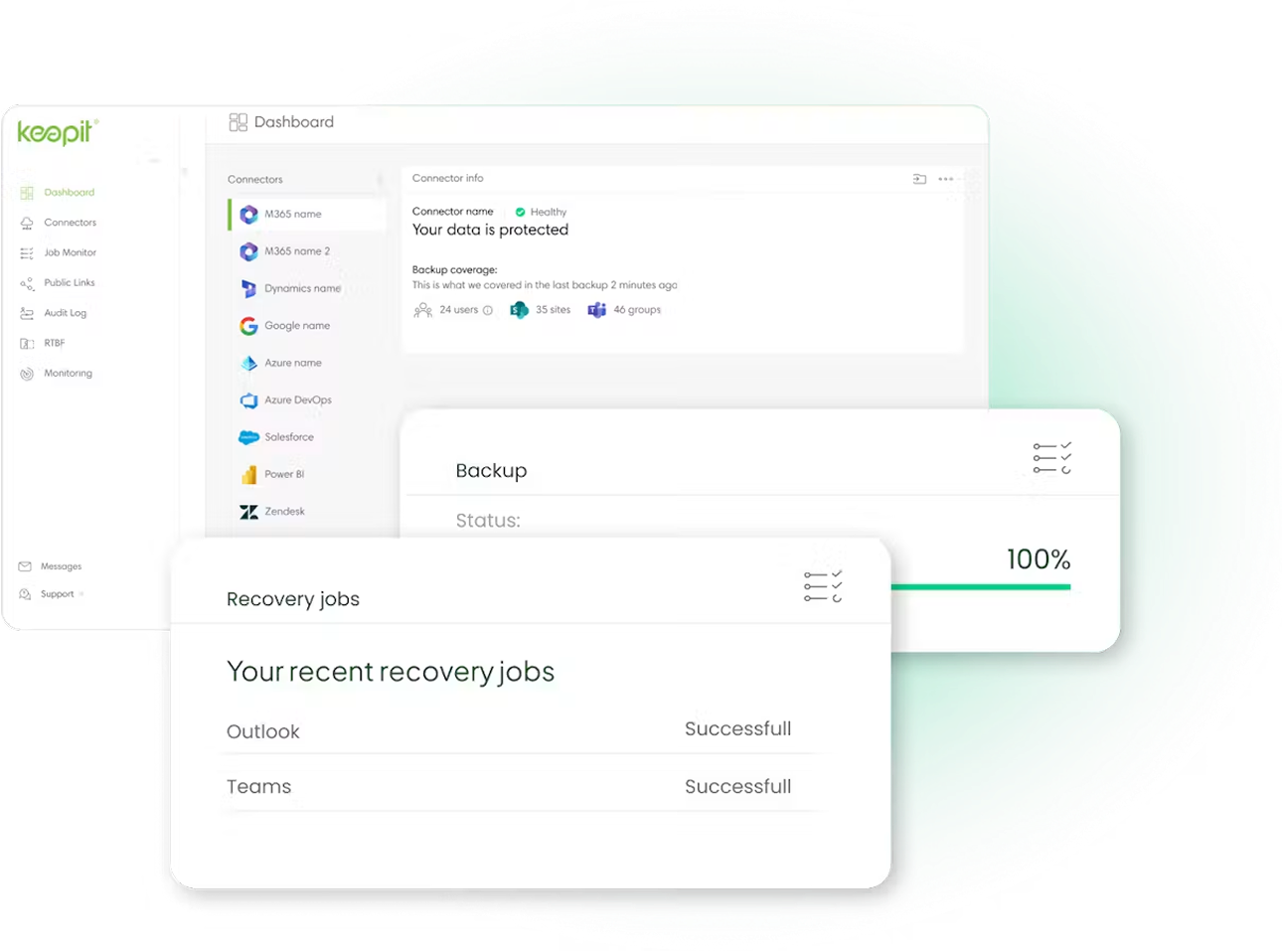
Keepit backup dashboard: connector healthy, backup at 100%, and recent Outlook and Teams recovery jobs successful.
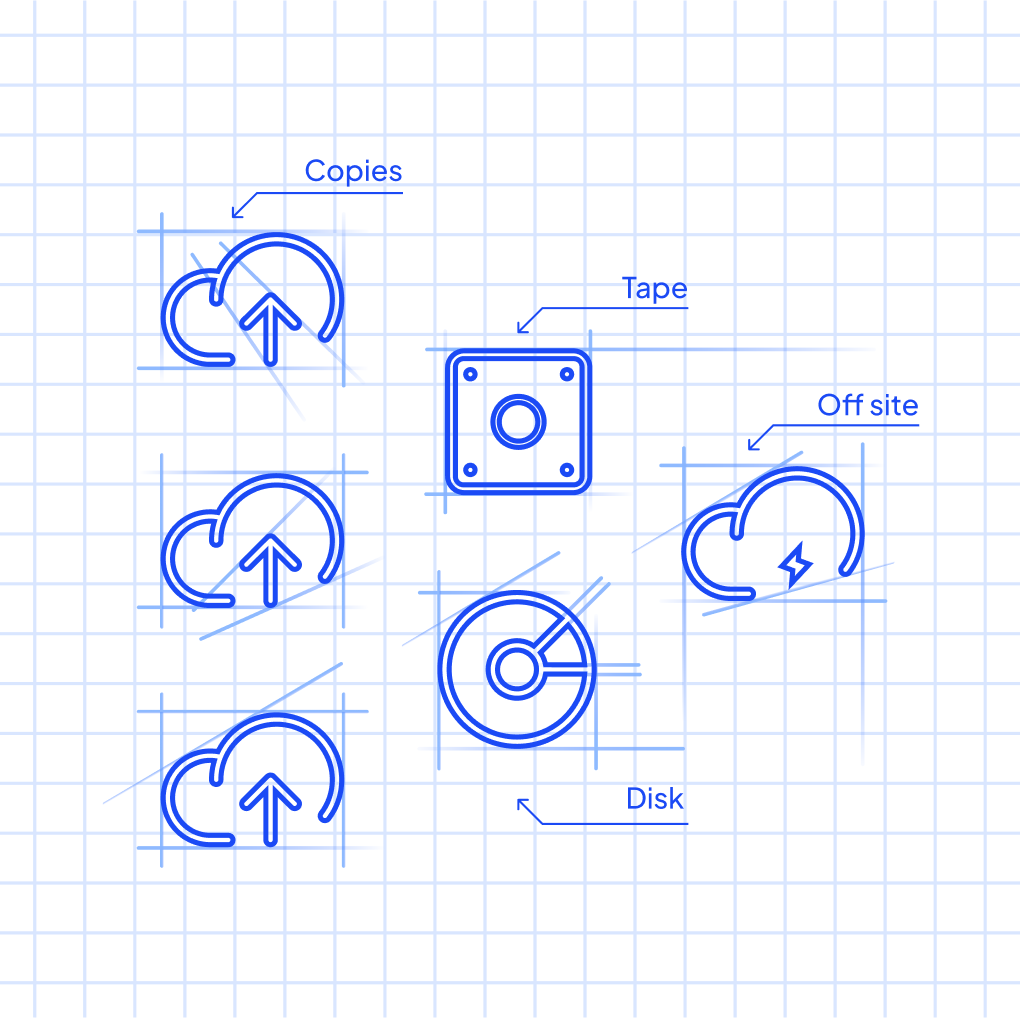
Blueprint-style sketch of backup icons labelled Copies, Tape, Disk and Off site.

Four copies, spread across the world

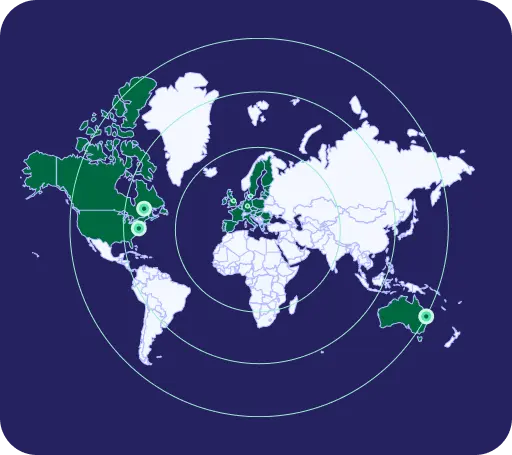
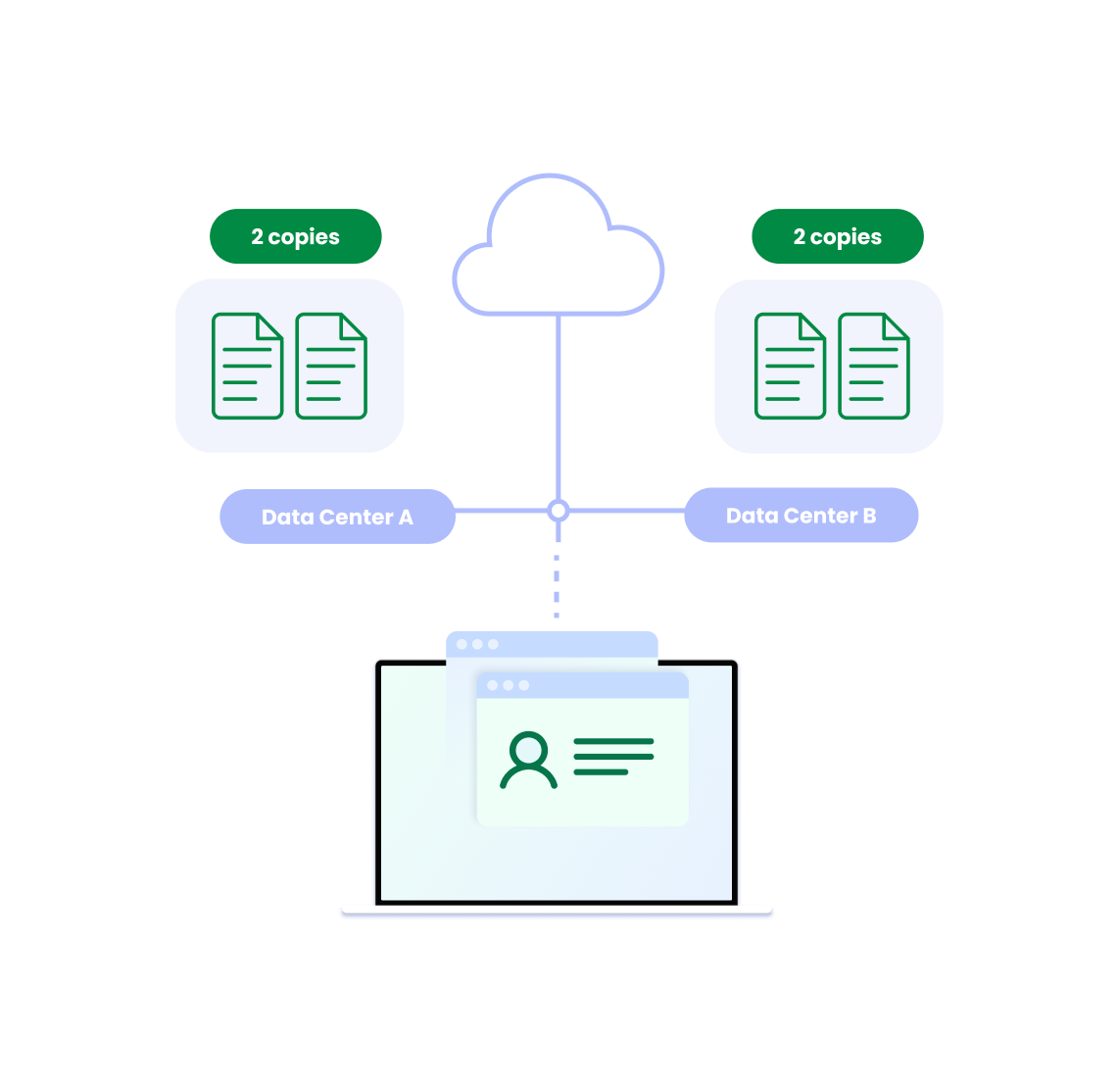
Keepit maintains four copies of your data across its own infrastructure, spanning seven regions with two mirrored physical sites in each. That redundancy is built in, not an add-on, so a single failure, accidental, malicious, or infrastructure-related, doesn't put your data at risk.

Always-hot storage

Backup data stays hot and immediately searchable. There's no archive tier to wait on and nothing to "thaw" before your team can get back to work. After your first full backup (which can take a few days to a few weeks, depending on volume), new snapshots run every 12 hours, so recent changes stay protected.
Blueprint-style sketch of backup icons labelled Copies, Tape, Disk and Off site.

Choose where your data lives, once

Keepit operates seven regions worldwide, each with two mirrored physical sites, so you can choose where your backup data is stored to help address data residency requirements. In Coro's early access console today, four of those seven regions are selectable, with more expected as the integration matures. Choose carefully: once your region is set at activation, it can't be changed later.

Retention built for how long threats actually take to surface

Choose retention that runs for the life of your Cloud Backup subscription, up to 99 years, or a lower-cost one-year option if that fits your budget better. Worth knowing before you choose: compliance frameworks commonly expect seven to ten years of backup history, and ransomware can sit undetected in an environment for one to three years before anyone finds it. A one-year retention window can close before you even know you need it.
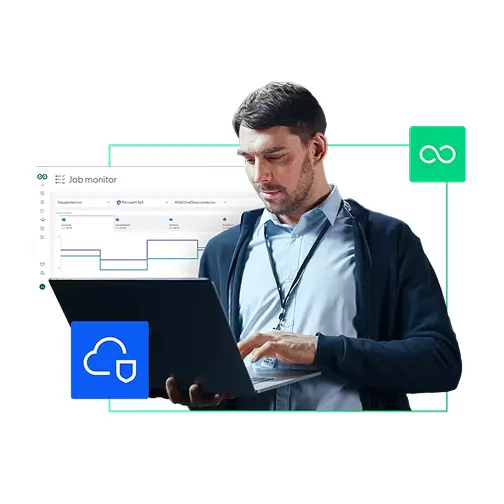
Man with a lanyard using a laptop in front of a backup Job monitor screen, a cloud-and-shield icon and an infinity icon.
Man at a laptop with his hand on his chin, beside icons of folders and an orange padlock marked with a dollar sign.

Predictable pricing

Cloud Backup is priced per user, with no storage, ingress, egress, or data-cap fees. Your costs scale with headcount, not with how much data you're protecting, and there are no true-ups or minimums to plan around. Ask your account team for a quote.

What's covered today

Coro Cloud Backup protects 15 SaaS applications across four categories:
Microsoft 365
Exchange mail and calendars
SharePoint
OneDrive
Teams
Microsoft Entra ID
Users, groups, and roles
Conditional access policies
App registrations
Tenant configuration
Google Workspace
Gmail
Drive and Shared Drives
Contacts
Core configuration
Additional SaaS Platforms
Salesforce
Azure DevOps
Power BI
Zendesk
Okta
DocuSign
Miro
Jira
Confluence
BambooHR
GitHub
Monday.com
New applications are added monthly. Microsoft Dynamics and Power Platform aren't supported today.
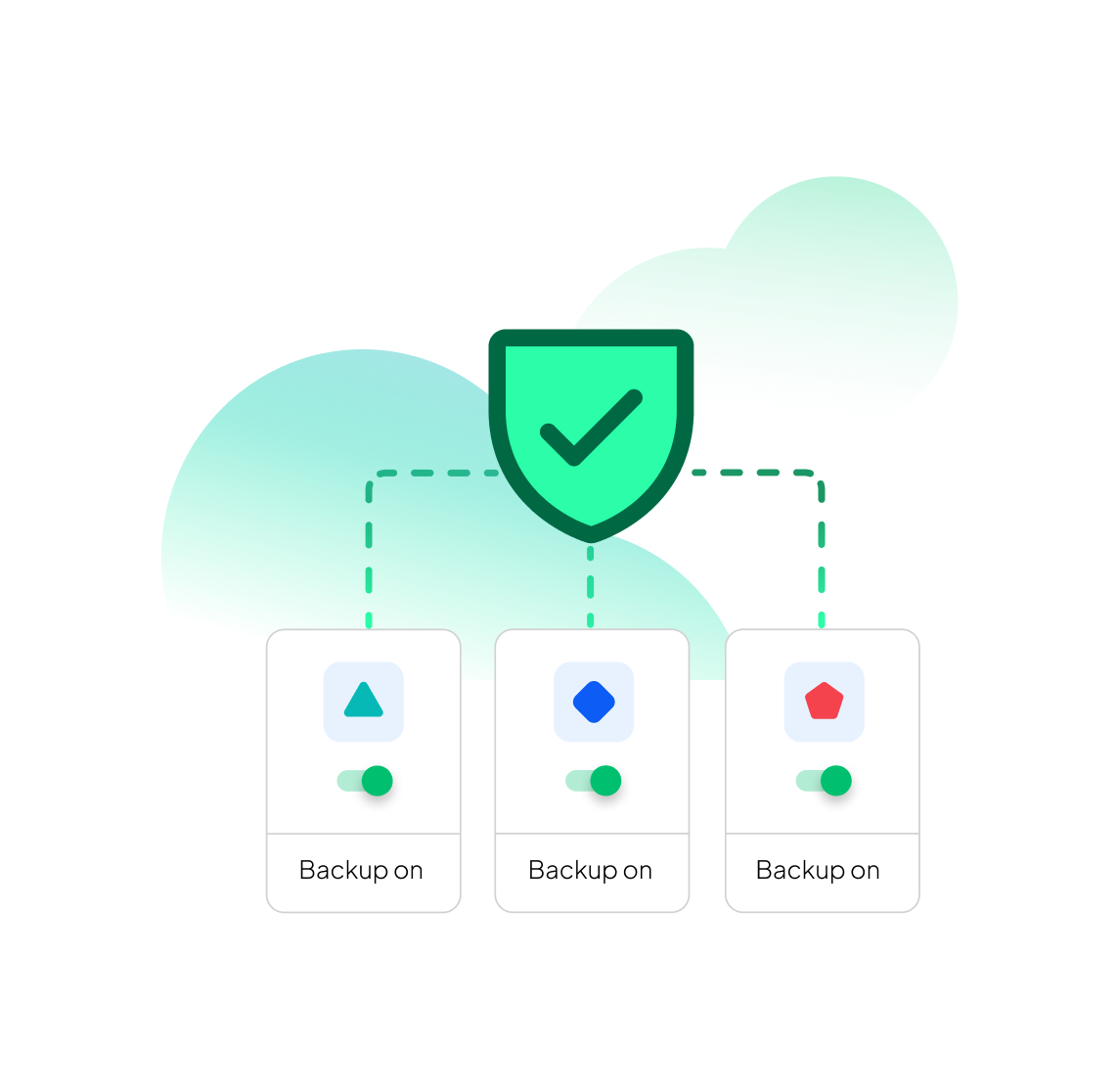
A shield with a check mark linked to three app cards, each with its toggle on and labelled "Backup on".

Continuity when employees leave

When an employee leaves, their active account can be removed right away while their historical backup data stays available according to your retention policy, so nothing is lost in the transition.

Part of your broader security strategy

Cloud Backup is activated and monitored from the same Coro console you already use for endpoint, email, and cloud security, so backup isn't a separate vendor relationship to manage. During early access, restoring data is completed through Keepit's own dashboard, reached with a single link from Coro. A fully Coro-branded restore experience is on the way.
Diagram: a laptop connects through the cloud to Data Center A and Data Center B, each holding 2 copies of the data.
Check

Early Access

Coro Cloud Backup is currently available in early access. The management interface and its integration with the rest of the Coro platform will continue to evolve.

crosschevron-downcross-circle